Go to the Home page.
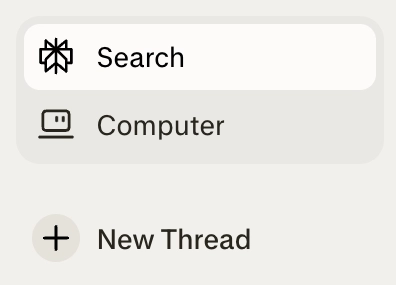
Click the Computer icon.
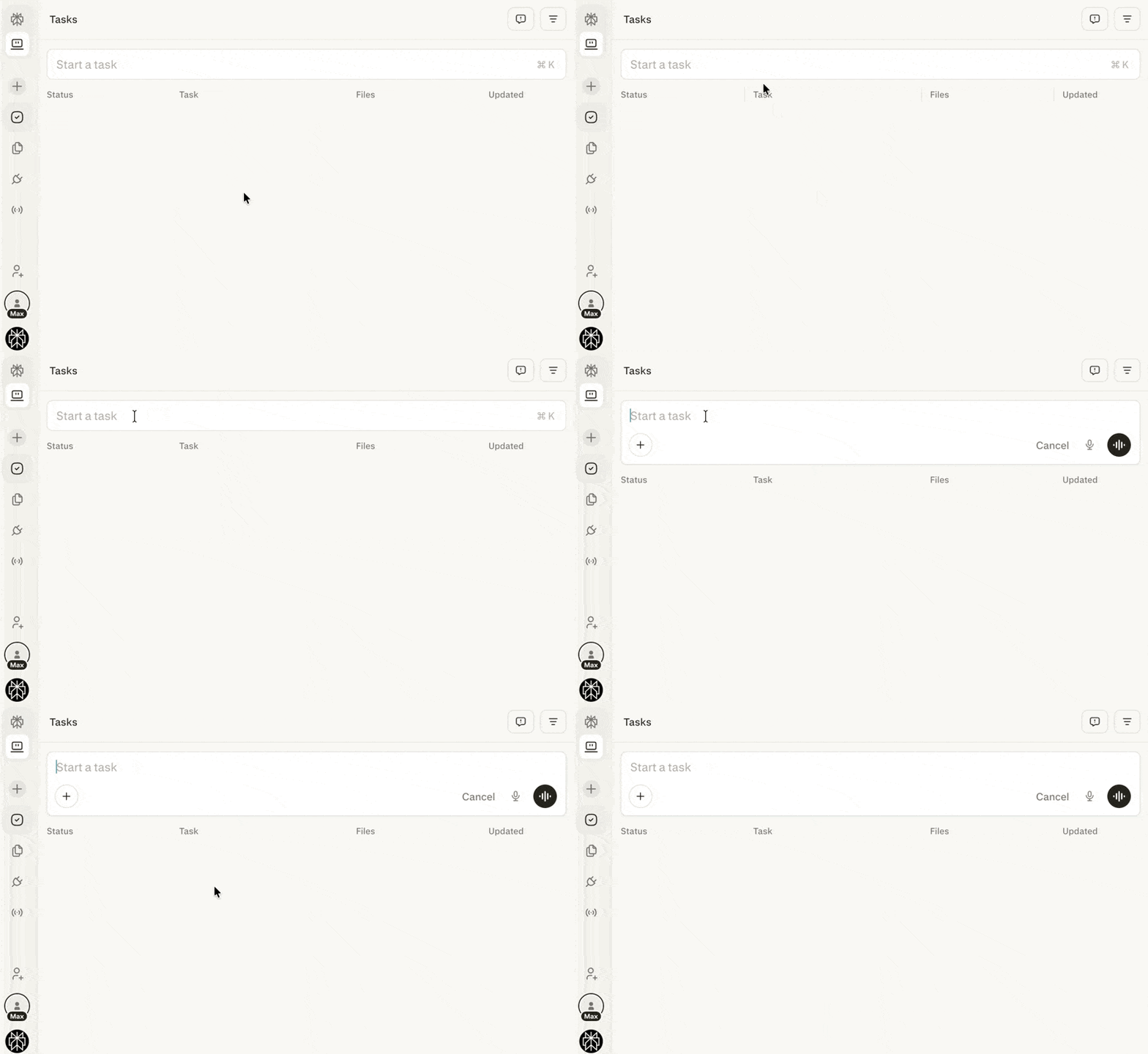
In Computer, click the Start a task field to create a new task.
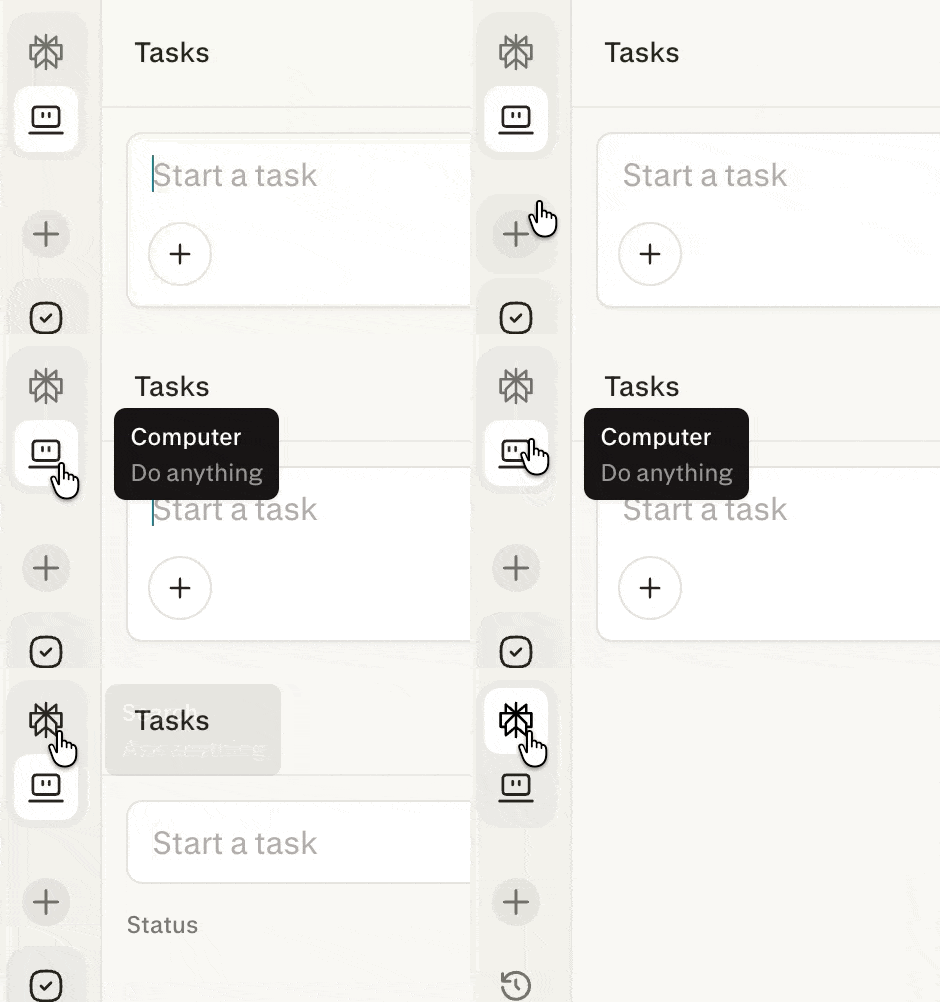
Click the Perplexity icon to return to Ask Anything mode and exit Computer.
Computer is an independent digital worker available to Perplexity Enterprise users. Instead of just answering questions, Computer takes action: synthesising large amounts of information across the web and your organisation's work context through hundreds of app connectors, then executing multi-step workflows on your behalf.
Computer can create assets, manage emails, conduct research, and much more—all in the background, even when you're off the clock.
Computer is available via the Perplexity web app, giving your team flexible and seamless access across platforms.
Computer unifies every current AI capability into a single agent, including:
Search-native intelligence for accurate, cited information
Tool execution to complete tasks across platforms
Rich media generation for creating visual content
Document creation for reports and presentations
Authenticated integrations with Gmail, Outlook, GitHub, Linear, Slack, Notion, Snowflake, Databricks, Salesforce, and more
Persistent memory that retains context across sessions
Scheduling and automation for recurring tasks
Secure cloud sandbox to protect your data
Computer combines several powerful capabilities to complete complex tasks:
Asynchronous Execution — Computer runs tasks in the background. It can monitor email, calendars, flight status, and files with condition-based triggers, and supports scheduled jobs and proactive actions like morning briefings and deadline reminders.
Wide Research & Parallel Web Search — Handles queries that require researching multiple items simultaneously, ideal for comprehensive market research and competitive analysis.
Sub-Agents — Domain-specific assistants handle distinct task types: market research agents, financial analysis agents, news monitoring agents, and coordination agents that orchestrate handoffs between specialists.
Premium Data Integrations — Computer connects with the tools your team already uses, automating actions across productivity, engineering, data, and finance.
Multi-Tool Orchestration — Coordinates multiple tools seamlessly, retrieving and synthesising real-time information while handling multi-step reasoning and complex task automation.
A single prompt can trigger research → analysis → document creation → email delivery → scheduled follow-up, all without lifting a finger between steps.
"Research our top 5 competitors, compare their pricing, create a slide deck with the findings, and email it to the team."
Computer will run parallel web searches, build a comparison table, generate a branded presentation, and send it via your connected email — all in one session.
Each of these steps is powered by a Skill — a reusable instruction set that teaches Computer how to handle specific task types like research, presentation building, and data analysis. Teams can also create custom Skills to tailor Computer to their own workflows.
Computer for Enterprise is available to Enterprise Pro and Enterprise Max users. If you're a Perplexity Enterprise user, you can access Computer directly within your Perplexity workspace.
Go to the Home page.
Click the Computer icon.
In Computer, click the Start a task field to create a new task.
Click the Perplexity icon to return to Ask Anything mode and exit Computer.
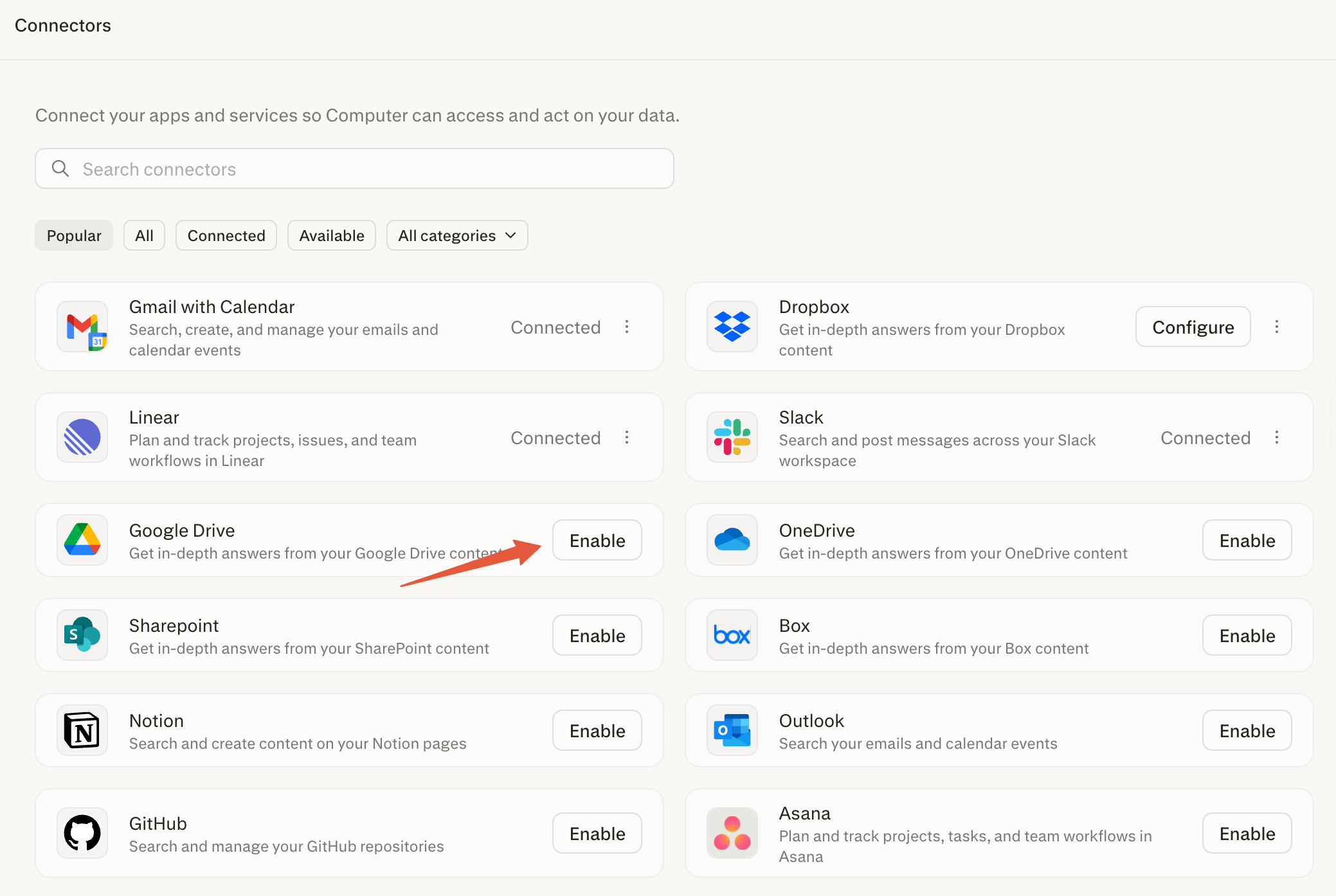
In the Computer sidebar, select Connectors to view all available apps and services.
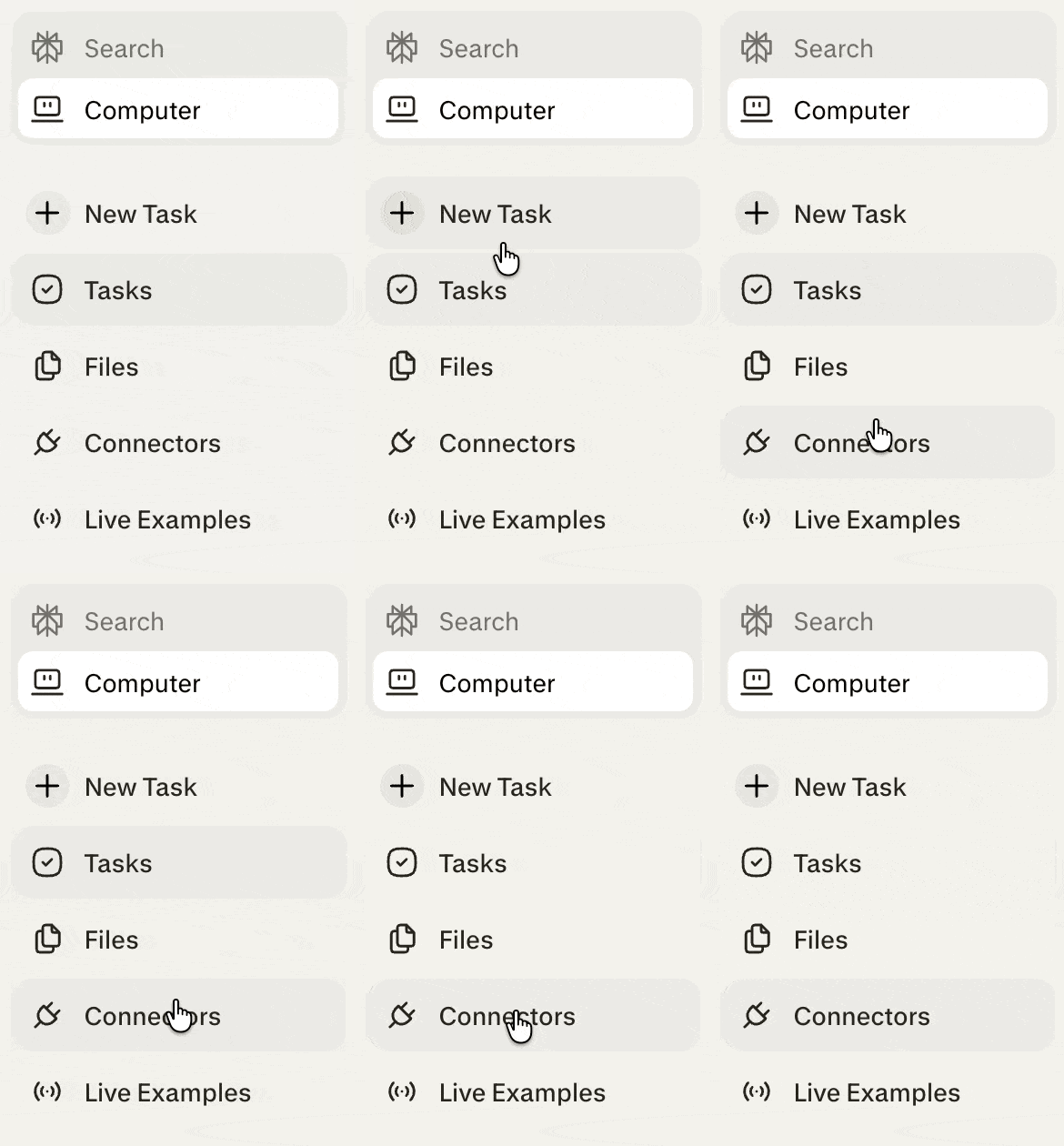
To enable a connector, click Enable next to the app you want to connect.
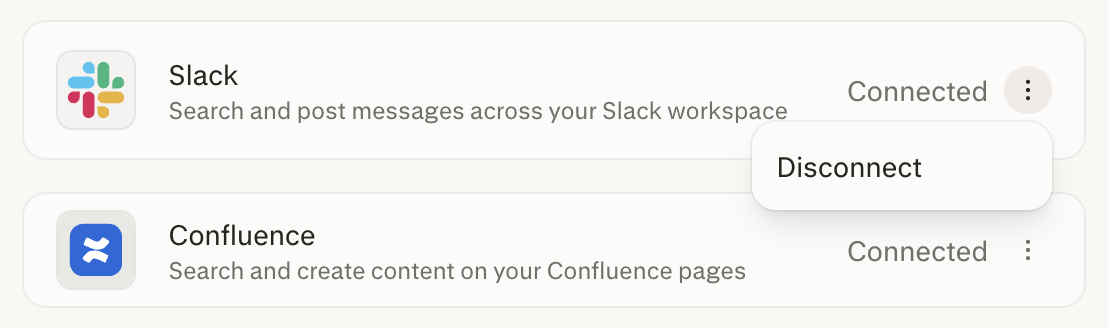
To disconnect an app, select the ellipsis (⋮) next to it, then choose Disconnect.
Computer is built on Perplexity's core infrastructure with the following security considerations for Enterprise:
Computer for Enterprise is not a standalone product—it is built directly on top of Perplexity's enterprise-grade platform, inheriting all of the security, compliance, and governance capabilities your organisation already relies on:
SOC 2 Compliance — Computer operates within Perplexity's SOC 2–certified infrastructure, ensuring controls around security, availability, and confidentiality are continuously maintained.
Audit Logs — All Computer activity—including task execution, connector usage, credit consumption, and credit grants—is captured in your organisation's audit logs, giving admins full visibility for compliance and reporting.
Data Retention Policies — Computer adheres to your organisation's configured data retention settings. Data is retained and purged in accordance with the policies your admin has established across the Perplexity Enterprise platform.
No Training on Your Data — Your organisation's data is never used to train Perplexity's models. This guarantee extends fully to Computer: task inputs, outputs, connector data, and sandbox contents are excluded from model training.
Model Configurability — Computer respects your organisation's model configurability settings. If your admin has restricted which models are available to your organisation, Computer will adhere to those restrictions when selecting models for task execution.
All tasks run in a secure, isolated environment with persistent memory across sessions and platforms.
Data is kept within the sandbox — Computer retains context from long conversations and automatically stores preferences without exposing them outside the user's scope.
All code execution and browser activity performed by Computer takes place in a fully sandboxed environment. Each task session runs in its own isolated compute container with a dedicated filesystem and browser instance, completely separated from your organisation's internal network and other users' sessions. This means that even if Computer writes and executes code or browses the web as part of a task, there is no risk of that activity accessing, modifying, or exposing resources outside of the sandbox.
Admins can be confident that Computer's runtime environment is hardened against cross-session data leakage and external network exposure.
Enterprise Computer access is governed by your organisation's seat assignments and plan type.
Computer operates within your organisation's existing Perplexity Enterprise security posture, including SSO, audit logging, and data governance controls.
Credit meter events and credit grants are added to Audit Logs for compliance and reporting purposes.
Computer uses a credit-based system:
Each seat includes a monthly credit allocation, with the option to purchase additional credits into a shared pool as needed.
There is no additional charge until those included credits are used.
If users need more capacity, organization admins will be able to add credits.
Usage-based billing will be off by default, and organizations will not be charged unless an admin explicitly opts in.
Usage-based billing will launch in the coming days, and admins will receive a separate notice to review settings when we enable it.
Credit pricing, task credit ranges, and included monthly allowances are subject to change and may vary by region, or plan.
For full details on how credits work for Enterprise, see:
Admins retain full control over how Computer is used across the organisation:
Disable Computer Entirely — Admins can turn off Computer for the entire organisation at any time via the Computer toggle in Organization settings > Usage & Credits. When disabled, no users—regardless of seat type—can access Computer on any platform.
Manage Connectors — Admins can control which third-party connectors (e.g., Gmail, Slack, GitHub, Salesforce) are available to users. Individual connectors can be disabled at the organisation level from Organization settings > Permissions, preventing users from authenticating or using those integrations within Computer tasks. This allows admins to restrict data flow to only approved services.
Usage-Based Billing Controls — Admins have granular control over usage-based billing, including the ability to set per-seat-type default credit caps, override allocations for individual users, configure auto-reload thresholds and monthly reload limits, or choose not to add any additional credits beyond the included seat allocation. This ensures predictable spend and prevents unexpected charges.
Computer is enabled by default. Admins can enable it for specific members in the organization or disable it entirely.
To do so:
Navigate to Permissions in the Organization Settings admin panel.
Find the Enable Perplexity Computer access menu choose Enable for specific members if you want to limit access to Computer to only certain members in your organization, or Disable for everyone.
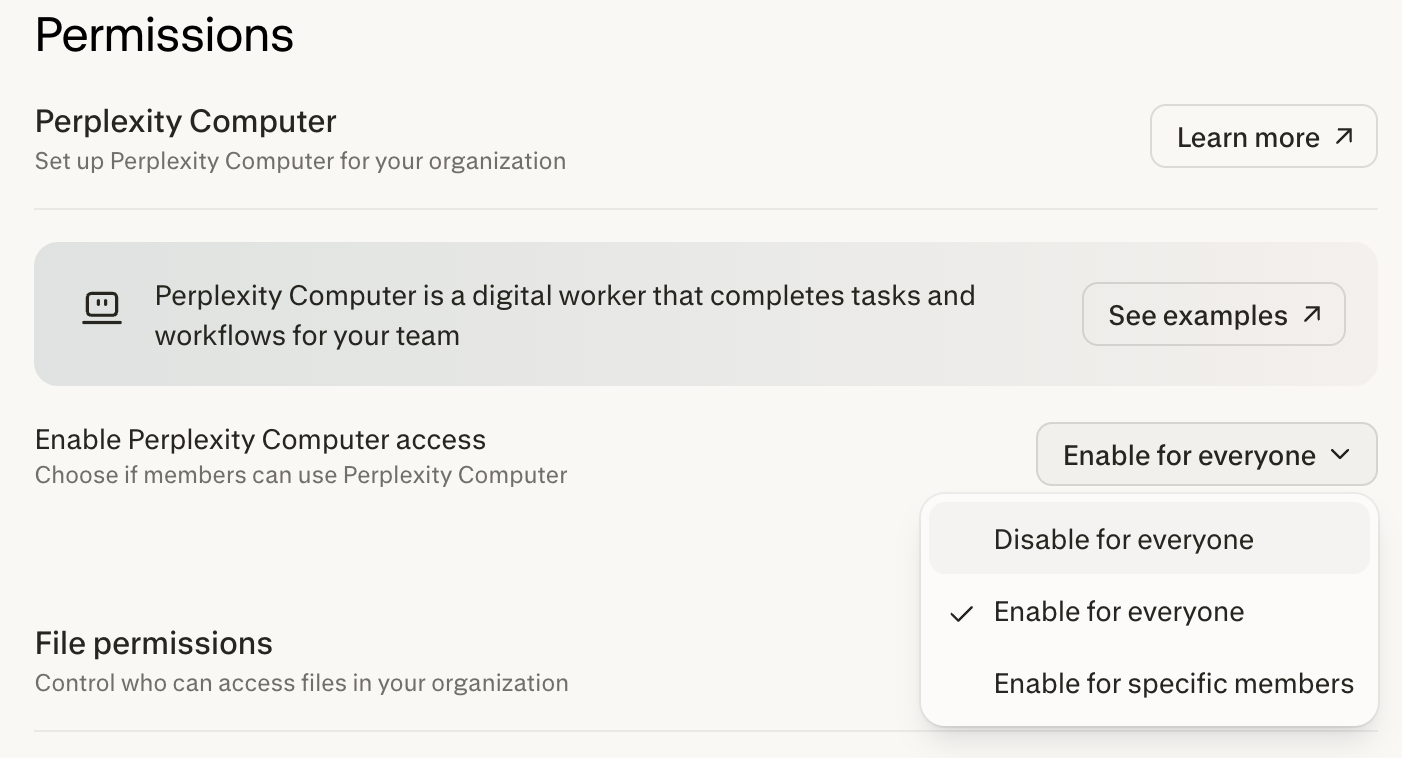
If you choose Enable for specific members, click Configure to go to the Members list, where you can configure granular access to Computer.